Service - Maintenance Invoice
Get Paid Faster for One-Off Marina Work
Create and send professional invoices for repairs, maintenance, cleaning, inspections, and other one-time services, then let customers pay instantly through a secure payment link.
This workflow helps your team bill quickly, reduce delays, and keep service payments organized without extra back-and-forth.
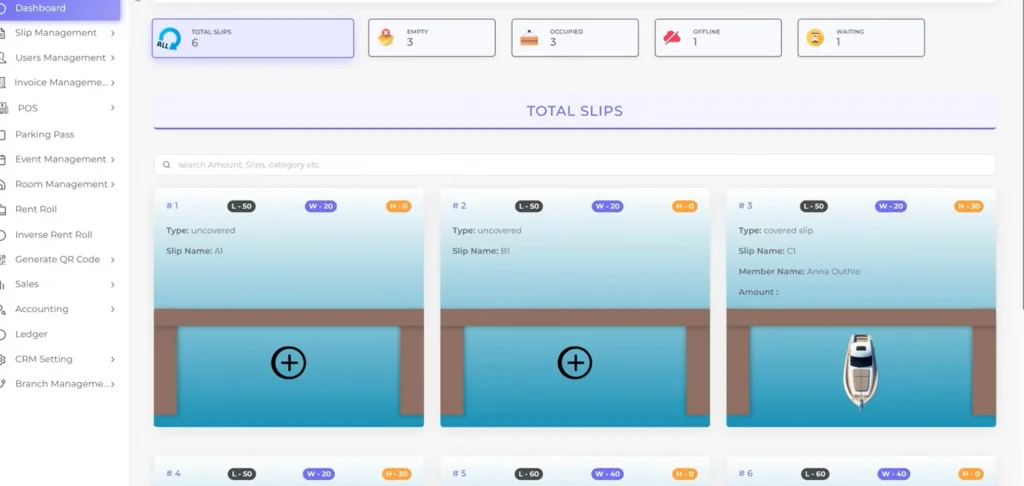
One-Off Service Work Gets Delayed When Billing Is Manual
When invoices are created late or payment collection depends on follow-up, revenue slows down and staff loses time chasing work that is already done.
Work gets completed before billing is sent
Customers delay payment when there is friction
Staff follows up manually after the job
Payment status becomes hard to track
Service records get scattered across systems
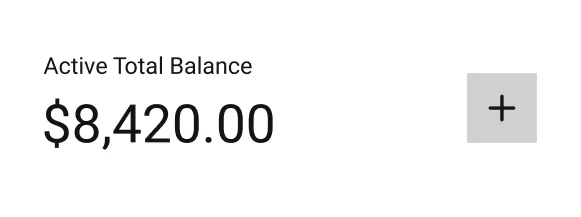
Income
$1,375

A Simple Service Invoice Workflow for Marinas
Create the invoice, send the payment link, confirm automatically, and keep every service payment organized in one clean flow.
Invoice Immediately After Work Is Completed
Create a clean, professional invoice as soon as the job is finished so billing doesn’t get delayed or forgotten.
Send a Direct Payment Link
Share a secure payment link by text or email so customers can pay instantly without logging in or calling.
Confirm Automatically After Payment
Once payment is received, confirmation is sent automatically so there’s no manual follow-up required.
Keep Payment Status Easy to Verify
Quickly see which invoices are sent, paid, or still pending without digging through messages or systems.
Reduce Follow-Up Without Adding Admin Work
Eliminate the need to chase customers after the job is done and free up staff time.
Keep Service Billing Clean and Organized
Maintain a simple, consistent process for all one-off service work across your marina.
A faster, cleaner way to bill for one-off work—without adding complexity to your operations.
How It Works
01
02
03
04
05
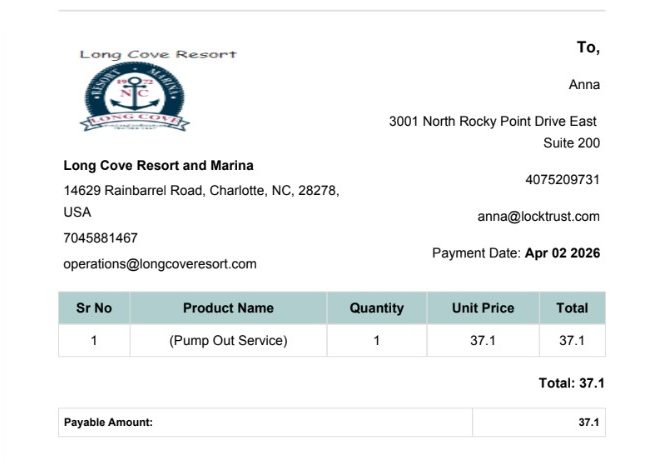
Create the Invoice
Start by creating a simple invoice for the completed service. Include:
- service description
- invoice amount
- optional notes or service details
This keeps the charge clear and gives the customer a clean record of the work performed.
Send the Payment Link
Once the invoice is ready, send the customer a direct payment link so they can pay immediately.
Use a message like:
Here’s the payment link for the service — you can pay here: [link]
This removes friction and makes it easier to collect payment right after the work is completed.
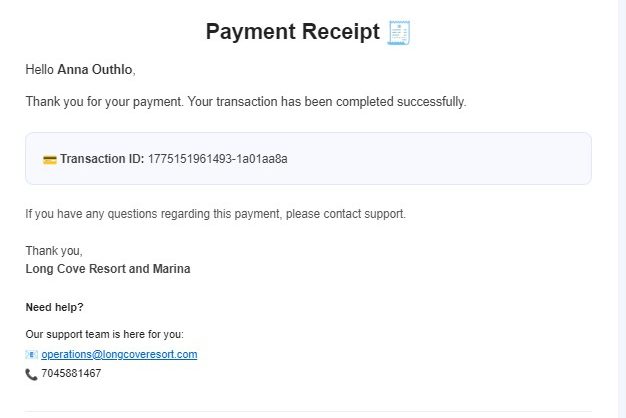
Confirm Automatically
After payment is received, automatically send a confirmation message.
Example:
Payment received — thank you!
This reassures the customer, closes the loop, and saves your staff from sending manual follow-ups.
Track Everything Internally
Keep each invoice organized with simple internal tracking fields, including:
- paid or unpaid status
- invoice date
- customer name
This gives your team an easy way to verify payment status and maintain accurate records for every job.
Copy You Can Use
Just finished up — here’s the invoice. You can pay directly here:
[link]
This message works well because it is short, direct, and easy for customers to act on right away.
Built for Real Marinas— Not Just Payments
Why Marinas Use Service Invoice Workflows
Customers can review the invoice and pay from their phone or computer in just a few clicks.
Get Paid Right After the Job
Send the invoice while the service is still fresh and make payment easy on the spot.
Keep Billing Simple
Improve Customer Experience
Stay Organized
Reduce Follow-Up
A direct payment link shortens the time between completed work and collected revenue.
This Works Well For....
Boat Repairs
Dockside Maintenance
Detailing and Cleaning
Fuel or Pump-Out Service Billing
Inspections
One-Time Marina Labor Charges
Fast to Launch. Easy to Use.
Start with the recurring billing workflow you need now, then expand as your marina grows.
1. Create the invoice
2. Send the Setup Link
3. Track payment automatically
No complicated process. Just a faster way to bill for one-time marina work.
Send Service Invoices and Get Paid Faster
Create a one-time invoice, send a payment link, and track every payment from one simple workflow.